
What’s New at Firaa — Free Image Tools Updates
Firaa offers a growing library of free image tools, all browser-based, all completely free. Here’s what’s new, what’s coming next, and how to find the right tool fast.
Recently added free image tools
Firaa added several new free image tools in June 2026, with a strong focus on document preparation and identity photo needs for users in the UK, Europe, and worldwide. Each tool was built in response to specific, common problems people run into when filling out official forms, applying for visas, or preparing photos for government portals.
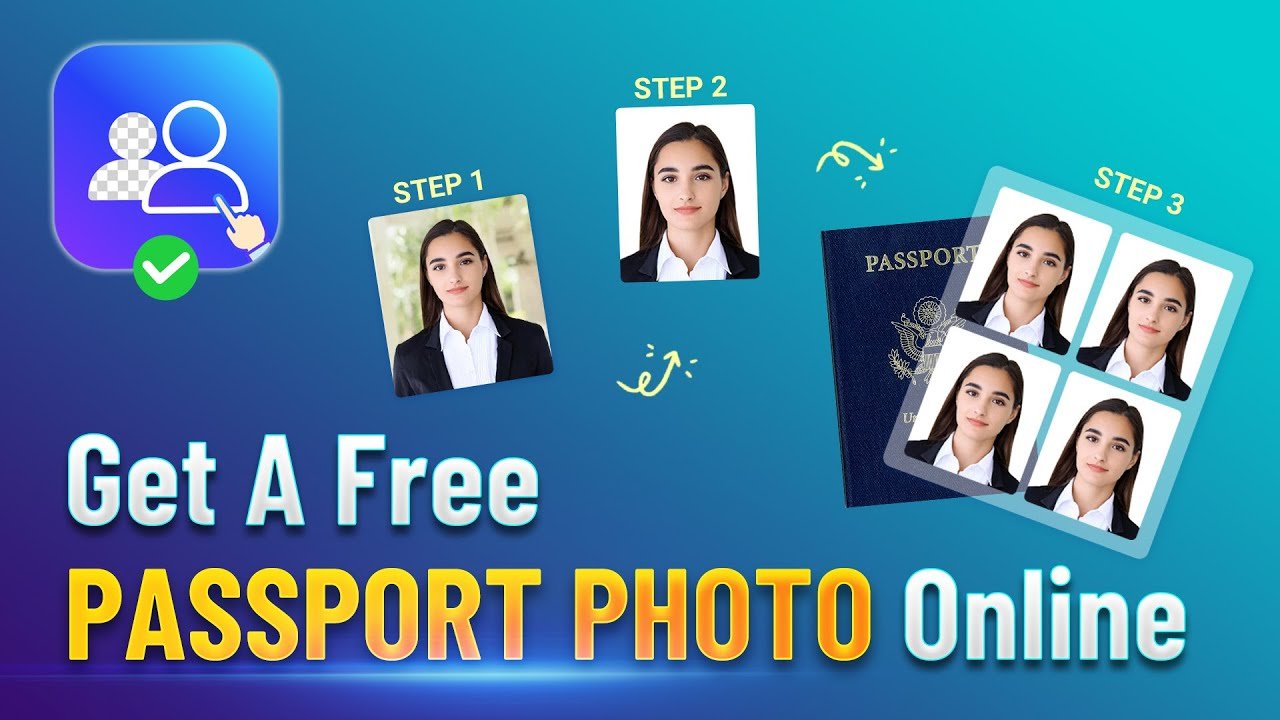
Passport Photo Maker is the most significant addition. It automatically formats any uploaded photo to the correct passport dimensions for the UK, USA, Germany, France, Netherlands, Canada, Australia, and 20+ other countries, applying a white background automatically so the result meets official requirements straight away. This tool was built specifically for people preparing documents for HM Passport Office, Schengen visa applications, and similar portals across Europe — situations where a poorly sized or incorrectly formatted photo can lead to an application being rejected entirely.
Rotate Image Online and Flip Image Online are two new editing tools that solve a surprisingly common problem — photos that upload sideways or upside down because of how smartphone cameras store orientation data. With these tools you can rotate an image by 90, 180, or 270 degrees, or apply any custom angle, and flip an image horizontally or vertically with one click. Both are especially useful before uploading a photo to a passport application, job application portal, or social media profile.
GIF to JPG, PNG to WebP, and WebP to JPG converters round out our expanding format conversion library. Together with the existing PNG to JPG and JPG to WebP converters, Firaa now supports conversion between every major image format used on the web — JPG, PNG, WebP, and GIF — without needing to install any software or use a desktop image editor.
Why Firaa keeps adding new tools
Every tool on Firaa runs entirely inside your browser using JavaScript and the HTML canvas API. No image is ever uploaded to a server, stored anywhere, or seen by anyone but you. This is a meaningfully different approach from most online image tools, which typically upload your file to a remote server, process it there, and then send back a download link.
As more people search for very specific tasks — “compress image for UK visa”, “resize photo to passport size”, “convert HEIC to JPG for online form” — we’ve found that building a dedicated tool for each specific need works far better than trying to cram every option into one generic tool. A dedicated tool can have sensible defaults built in. For example, our Compress JPG to 50KB tool automatically targets exactly 50KB with no slider to configure, because that’s the exact limit required by many strict government portals. A generic compressor would require the user to guess and check repeatedly to hit that target.
All Firaa free image tools share the same core promise: no uploads, no signups, no hidden costs, and no clutter. Whether you’re compressing a photo for a government form, converting between file formats, resizing an image for Instagram, or preparing a passport photo for a visa application, every tool works the same simple way — upload your file, the tool processes it instantly on your own device, and you download the result. There’s no waiting for an upload to complete, no waiting for a server queue, and no risk of your personal photos sitting on someone else’s servers.
The complete Firaa toolkit so far
As of June 2026, Firaa includes 17 free tools across four main categories. Understanding what’s available helps you quickly identify the right tool for your specific situation.
Compression tools reduce file size while keeping images looking sharp. This includes Compress JPG to 50KB for the strictest government and exam portals, Compress JPG to 100KB for the most commonly requested size limit, Compress JPG to 200KB for job applications and general forms, and PNG Compressor for reducing screenshot and graphic file sizes without losing transparency.
Resizing and editing tools change the dimensions or orientation of an image. This includes Image Resizer for setting any custom width and height, Crop Image Online for cutting an image down to an exact area, Rotate Image Online for correcting sideways photos, and Flip Image Online for mirroring images horizontally or vertically.
Format conversion tools change an image from one file type to another. This includes Convert PNG to JPG, JPG to WebP Converter, WebP to JPG Converter, PNG to WebP Converter, GIF to JPG Converter, and Image to PDF Converter for turning photos and scans into PDF documents for official submissions.
Purpose-built tools are designed around a specific real-world task rather than a generic image operation. This includes Passport Photo Maker for creating compliant passport and visa photos, Resize Image for Instagram for getting the correct dimensions for posts, stories, and reels, and Reduce Image Size for Email for automatically compressing photos to a size that won’t get blocked by corporate email filters.
What’s coming next
We’re currently working on additional free image tools based on patterns we’re seeing in what people search for and request. Tools in development include a black and white image converter for quickly desaturating photos, an image watermark remover for cleaning up downloaded images, and a background blur tool for creating a depth-of-field effect on portrait photos without any editing software.
We’re also exploring tools focused on specific document types beyond passport photos — for example, dedicated tools for visa application photos for specific countries, ID card photo formatters, and CV/resume photo preparation tools that combine cropping, resizing, and compression into a single step tailored to job application portals.
If there’s a specific image tool you need that isn’t available yet, the fastest way to check is to search our full tools library — new tools are added frequently enough that something you couldn’t find last month might already exist now.
Looking for a specific tool right now?
Firaa now has over 17 free image tools covering compression, resizing, cropping, rotation, flipping, format conversion, and document preparation. The fastest way to find exactly what you need is to use the search bar on our homepage — just type what you’re trying to do, like “compress”, “passport”, “instagram”, or “pdf”, and the matching tool will appear instantly without scrolling through a long list.
How Firaa compares to other free image tool websites
Most well-known free image tool websites, including TinyPNG, iLoveIMG, and Smallpdf, work by uploading your file to their servers, processing it remotely, and then providing a download link. This approach works fine for most casual use, but it means your image — even a private passport photo, ID document, or personal photo — passes through and is briefly stored on a third-party server you have no control over.
Firaa takes a different approach for every single tool: all processing happens locally inside your browser using JavaScript and the HTML5 canvas API. Your file is read from your device, transformed in your browser’s memory, and offered back to you as a download — at no point does it leave your device or touch any server. This isn’t a premium feature or an upgrade option; it’s how every Firaa tool works by default, for free, with no account required.
This approach also tends to be faster for larger files, since there’s no upload step before processing begins and no download step waiting on a server queue afterward. For most images, the entire process — upload, process, download — completes in under a second.
Frequently asked questions
Are all Firaa tools really free?
Yes. Every tool on Firaa is completely free with no hidden charges, no subscription tiers, and no account required. This applies to every tool listed on this page and every tool we add in the future. Firaa is supported by non-intrusive advertising, which is what allows us to keep every tool free for everyone.
How often does Firaa add new tools?
We add new tools regularly based on what users are searching for and requesting, and based on gaps we notice in the existing toolkit. Recent additions in June 2026 include the passport photo maker, image rotator, flip tool, and several new format converters. We typically add multiple new tools per month.
Can I request a new tool?
Yes, we welcome suggestions for new tools. The image tools we build are based on real user needs, particularly around document preparation, official form uploads, and social media image optimization. If you’ve run into a specific image task that none of our existing tools solve well, that’s exactly the kind of feedback that shapes what we build next.
Do I need to upload my images to use these tools?
No. Every Firaa tool processes your images entirely inside your browser. Your images are never uploaded to any server, which makes Firaa especially suitable for passport photos, ID documents, scanned certificates, and other personal images that you wouldn’t want sitting on a third-party server.
Do Firaa tools work on mobile phones?
Yes. Every Firaa tool is built to work on any modern browser, including Safari and Chrome on iPhone and Android. Since processing happens on your device rather than a server, mobile performance is generally excellent — even large photos from a phone camera process in under a second.
Will Firaa tools always remain browser-based and private?
Yes. The browser-based, no-upload approach is core to how Firaa is built and is not something we plan to change as we add new tools. Any new tool we release will follow the same principle — your images stay on your device.