
Passport Photo Maker Online Free
Make passport photos online free for UK, USA, Germany, France, Netherlands, Canada, Australia and 20+ countries. Correct dimensions guaranteed. No upload to servers — 100% private and free.
No photo selected
Why use a free passport photo maker online
Getting a passport photo taken at a pharmacy or photo studio in the UK costs between £8 and £15. In Germany, France, and the Netherlands the cost is similar — €8 to €15 per set of photos. Yet the requirements are simple and the same photo can be made perfectly at home in minutes using Firaa’s free passport photo maker.
Firaa’s online passport photo maker automatically resizes and formats your photo to the exact dimensions required by your country’s passport authority — HM Passport Office for the UK, Bundesdruckerei for Germany, Agence Nationale des Titres Sécurisés for France, and passport authorities for 20+ countries worldwide. The result meets all official requirements and can be printed at any photo shop or submitted digitally to online application portals.
What happens when you make your passport photo here
Unlike paid services like IDPhoto4You or PassportPhotoMaker that charge fees or upload your photo to their servers, Firaa processes everything locally inside your browser. Your photo never leaves your device — no upload, no server, complete privacy. Your face and personal photos stay on your device at all times.
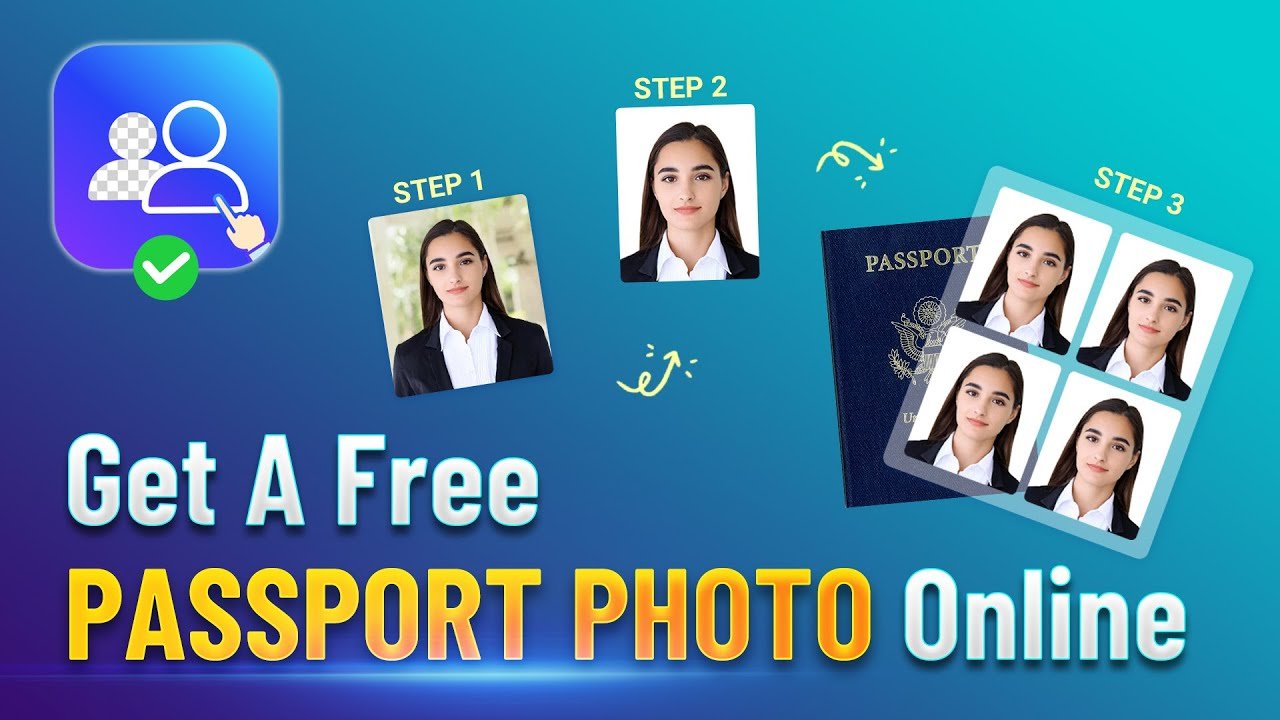
Select your country, upload your photo, and click Make Passport Photo. The tool automatically crops your photo to the correct dimensions for your selected country, adds a white background, and gives you an instant download ready for printing or digital submission.
Passport photo requirements by country
Every country has specific passport photo requirements. Here are the official requirements for the most searched countries:
UK passport photo requirements — 35x45mm, plain light grey or cream background, face must measure 29mm to 34mm from chin to crown, eyes open and clearly visible, neutral expression, mouth closed, no glasses. Accepted by HM Passport Office for both printed and digital submissions.
Germany passport photo requirements — 35x45mm, plain light grey background, face centered, eyes level with horizontal center of photo, face covering 70% to 80% of frame, neutral expression. Required for Reisepass and Personalausweis applications.
France passport photo requirements — 35x45mm, plain light grey or white background, face centered and straight, eyes open, neutral expression, no glasses. Required for passeport biométrique applications.
Netherlands passport photo requirements — 35x45mm, white background, face centered, eyes at 60% to 80% of photo height, neutral expression, mouth closed. Required for Nederlands paspoort applications.
USA passport photo requirements — 2×2 inches (51x51mm), white background, face covering 50% to 69% of frame, eyes open and looking directly at camera, neutral expression. Required for US State Department passport applications.
Canada passport photo requirements — 35x45mm, plain white background, face centered, eyes open, neutral expression. Required for Passport Canada applications.
Australia passport photo requirements — 35x45mm, plain light grey or white background, face centered, eyes open, neutral expression. Required for Australian Passport Office applications.
How to use the passport photo maker online — step by step
Upload your photo by clicking the upload button above. Use a recent photo taken against a plain light background for best results. This free passport photo maker online works directly in your browser — no software installation needed.
Select your country from the dropdown menu. The tool automatically applies the correct passport photo dimensions for your selected country — 35x45mm for UK, Germany, France and most European countries, or 51x51mm for the USA.
Click Make Passport Photo. The tool crops and formats your photo to the exact required dimensions with a white background instantly.
Download your passport photo. Print it at any photo shop, pharmacy, or supermarket print kiosk in the UK or Europe, or submit it digitally to your country’s online passport application portal.
Tips for taking the perfect passport photo at home
Stand against a plain white or light grey wall — a plain door or blank wall works perfectly. Avoid patterned wallpaper or colored walls as these create shadows and fail official checks.
Use natural daylight from a window in front of you — not behind you. Natural light produces the most even, shadow-free illumination for passport photos. Avoid direct flash which creates harsh shadows and reflections.
Look directly at the camera with a neutral expression and mouth closed. Eyes must be clearly open and visible. Remove glasses — glasses are no longer accepted in UK, EU, or US passport photos.
Ask someone else to take the photo rather than taking a selfie. Selfies are taken too close to the face and distort facial proportions. Hold the camera or phone at least 1 meter away from your face.
Frequently asked questions about passport photos online
Is an online passport photo accepted by the UK HM Passport Office?
Yes. The HM Passport Office accepts digital passport photos submitted through the GOV.UK online passport application. Your photo must meet the official size, background, and expression requirements. Our tool automatically formats your photo to meet all UK requirements. For printed applications, print the downloaded photo at 35x45mm at any Boots, Tesco, or photo kiosk.
Can I use this passport photo maker for a Schengen visa application?
Yes. Schengen visa applications for all 27 EU countries require 35x45mm passport photos with a plain light background. Our tool formats your photo to these exact dimensions making it suitable for Schengen visa applications at any European embassy or consulate.
How do I print my passport photo after downloading?
In the UK you can print at Boots, Tesco, Asda, Sainsbury’s, or any photo kiosk. Set the print size to 35x45mm or 6×4 inch with two photos per print. In Germany print at DM, Rossmann, or any Fotoautomat kiosk. In France print at any Photomaton kiosk. The downloaded file is print-ready at the correct resolution.
Is my photo safe — does Firaa upload it to servers?
No. Your photo is processed entirely inside your browser using JavaScript. Nothing is uploaded to any server at any point. Your face and personal photos stay completely private on your device — never sent to any external server.
Can I make a passport photo on my phone?
Yes. Firaa works on iPhone and Android browsers. Open the page in Safari or Chrome on your phone, upload your photo from your camera roll, select your country, and download the formatted passport photo directly to your phone.
How is Firaa free passport photo maker online different from paid services?
Paid passport photo services charge £8 to £15 in the UK and similar amounts across Europe. Online paid services like IDPhoto4You charge per download. Firaa is completely free with no hidden charges, no subscription, and no upload to any server. The quality and compliance with official requirements is identical.