
Pixelate Image Online Free
Pixelate any image online free to create a pixel art or mosaic effect instantly. Choose your pixel size and download. Perfect for privacy, art projects, and retro effects. No upload to servers, no signup, 100% free.
No image selected
Why pixelate image online
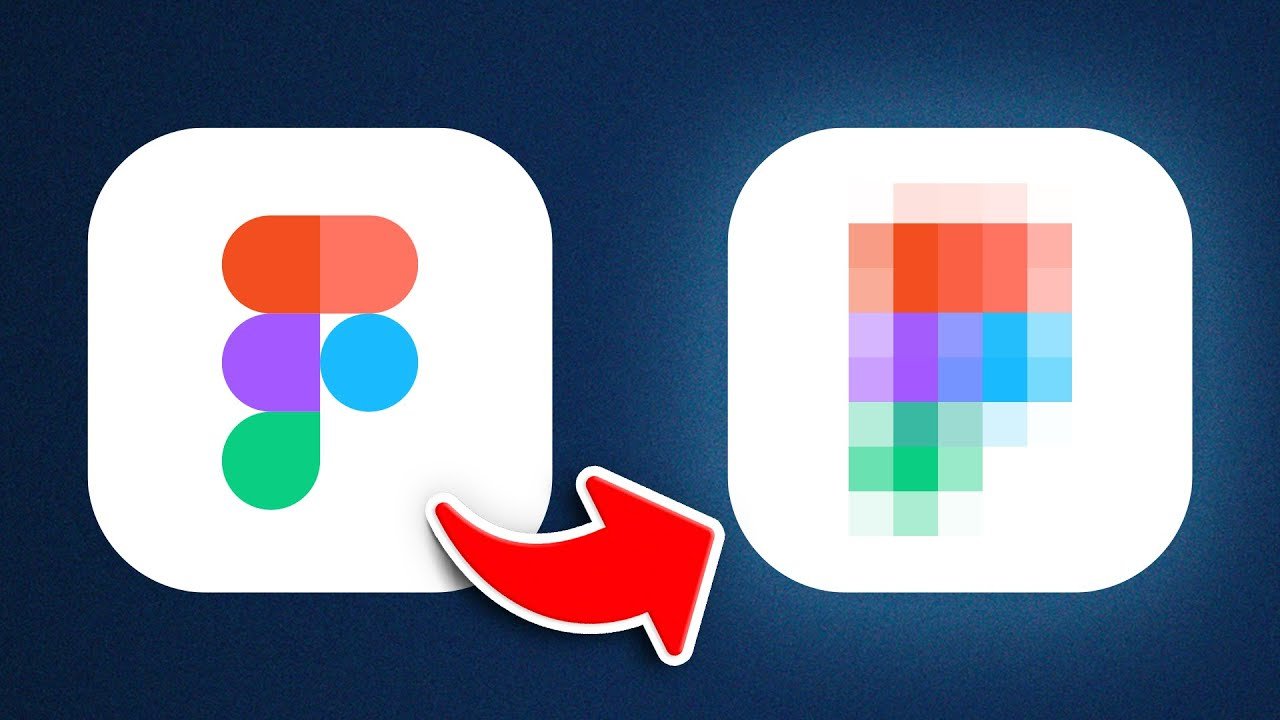
Pixelating an image replaces the fine detail of a photo with large colored blocks — squares of averaged color — creating a mosaic or pixel art effect. The size of the blocks controls how strong the effect is: small blocks produce a subtle mosaic look while large blocks create a dramatic retro pixel art appearance where the original image is barely recognisable.
The pixelate effect has both practical and creative applications. Practically, it’s used to anonymise faces and sensitive information in photos before sharing. Creatively, it’s used to create retro game-inspired pixel art effects, mosaic-style social media graphics, and distinctive artistic edits.
When you need to pixelate image online
Privacy and anonymisation — Pixelating faces, number plates, screen content, or sensitive documents in photos before sharing them online is a common privacy measure. The pixelate effect makes the obscured area completely unreadable while giving a different visual style compared to blurring.
Pixel art and retro effects — The pixelate effect with large block sizes creates a retro video game aesthetic that is popular for social media content, profile pictures, and creative projects. Many content creators use pixelation as a distinctive visual style for their brand.
Mosaic art — Medium pixelation creates a mosaic tile effect that works well as an artistic treatment for portrait photos, landscapes, and product images. This style is popular for printed art, posters, and decorative use.
Content creation and thumbnails — Partially pixelated images — where part of the image is clear and part is pixelated — create visual intrigue and are commonly used for YouTube thumbnails and social media posts to tease content or create a reveal effect.
How to pixelate image online — step by step
Upload your image by clicking the upload button above. This tool to pixelate image online works directly in your browser with no software installation needed. Use the slider or preset buttons to choose your pixel block size — smaller sizes create a subtle mosaic effect while larger sizes create a dramatic pixel art look.
Click Apply Pixelate Effect. Your browser instantly applies the pixelation using canvas block averaging and displays the result. Download your pixelated image.
Frequently asked questions about pixelating images
What pixel size should I use for hiding faces?
For completely obscuring a face so it is unrecognisable, use a pixel size of 15-20px or larger. Smaller pixel sizes may still leave enough detail to identify the person. For maximum anonymisation, use our Blur Image Online tool which offers a stronger privacy effect than pixelation.
Can I pixelate only part of an image?
This tool pixelates the entire image. To pixelate only a specific area — such as a face or number plate — use our Blur Image Online tool which lets you select a specific region to blur.
Is my photo safe — does Firaa upload it to servers?
No. Your image is pixelated entirely inside your browser. Nothing is uploaded to any server at any point.
Can I pixelate a PNG image?
Yes. Upload any JPG, PNG, or WebP image and the pixelate effect will be applied. The output will be a JPG file.
How is Firaa different from other pixelate tools?
Most online photo editors require an account or upload your photo to their servers. Firaa pixelates images entirely in your browser — no account, no upload, and completely free.